Extensión de flujo de trabajo para Final Cut Pro
Exporta solo las fuentes que tu proyecto de Final Cut Pro necesita de verdad.
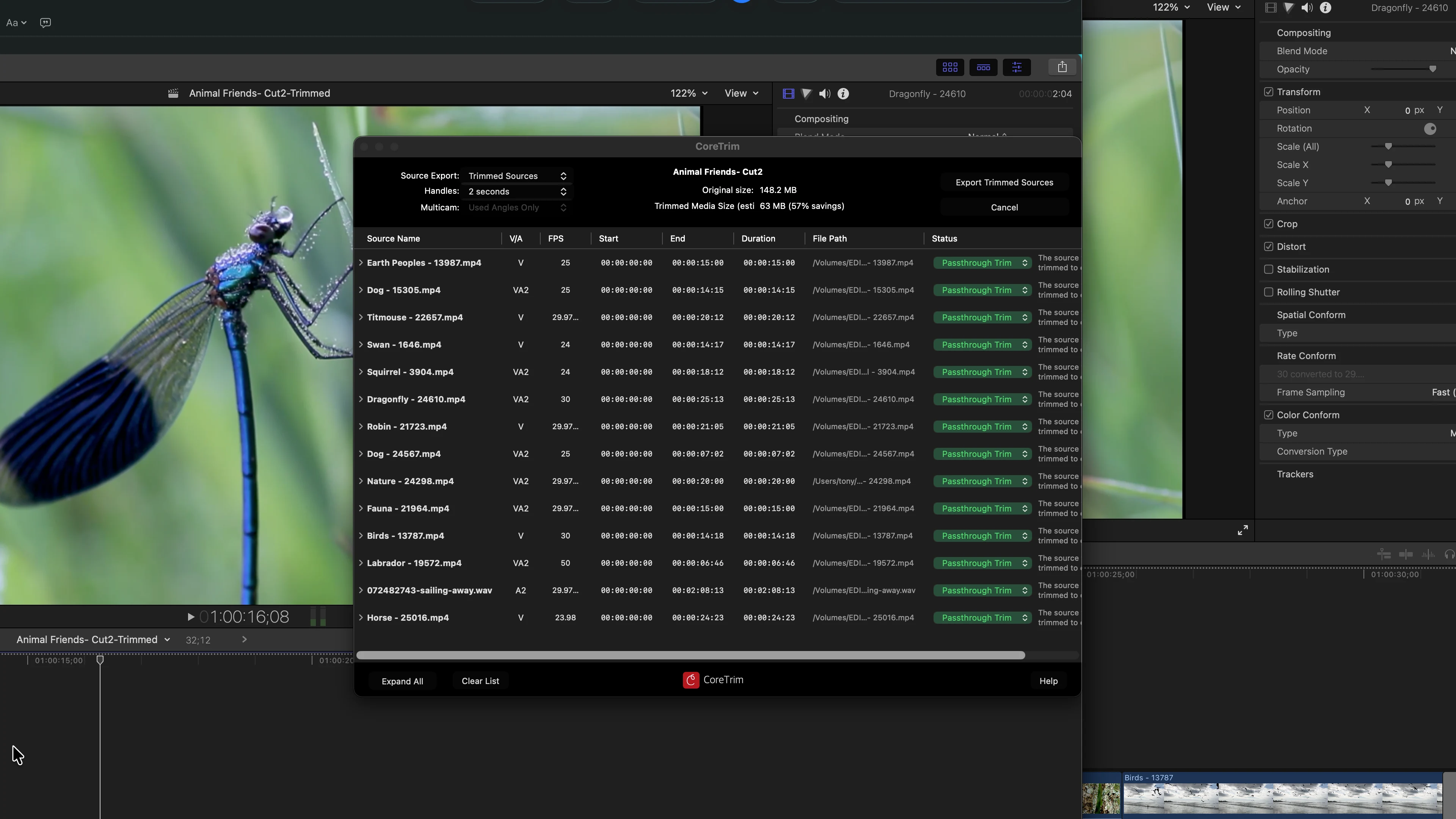
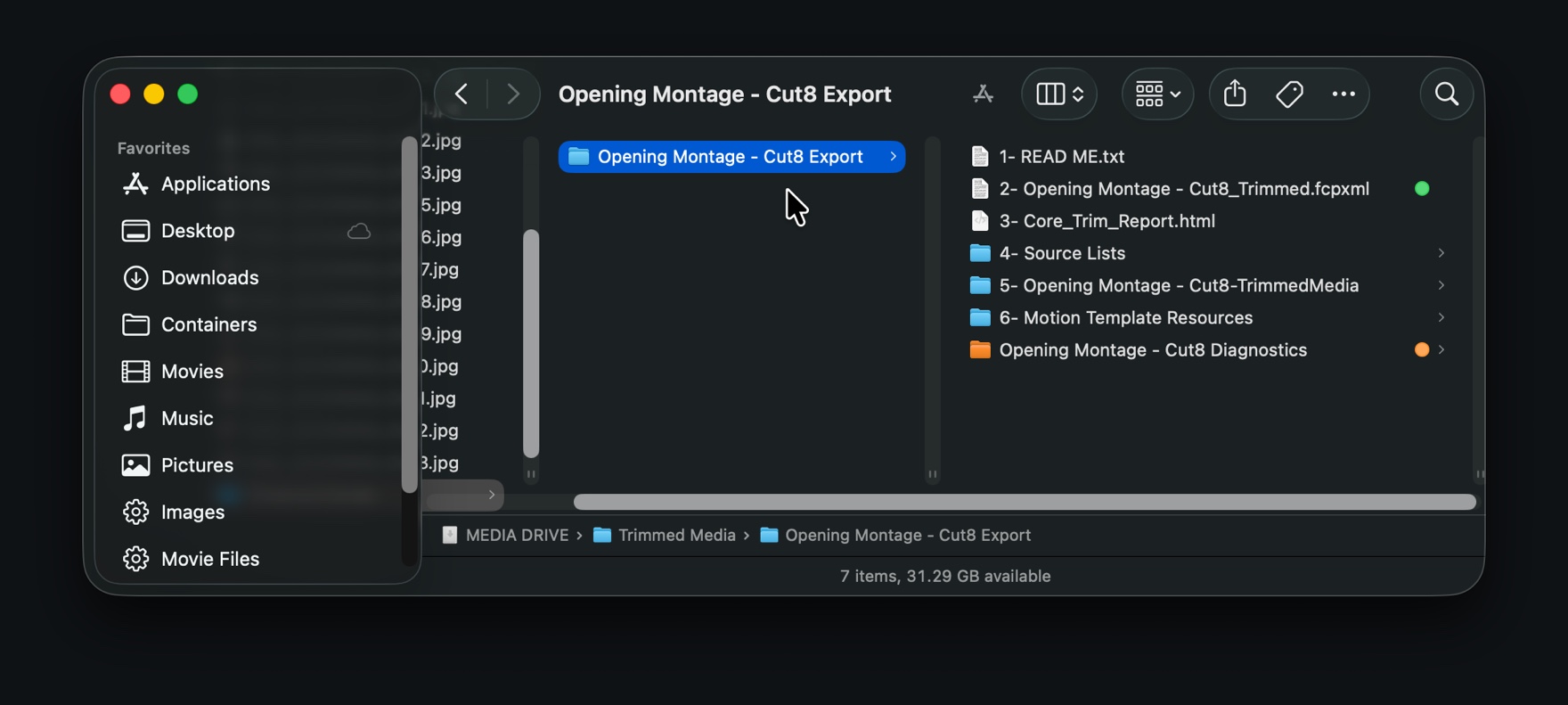
CoreTrim se ejecuta dentro de Final Cut Pro como extensión de flujo de trabajo. Necesita que Final Cut Pro esté instalado en tu Mac y no es una app de escritorio independiente. Arrastra un proyecto desde Final Cut Pro hasta CoreTrim; CoreTrim analiza los medios que utiliza y después crea fuentes recortadas o copias completas de las fuentes, junto con una nueva exportación del proyecto que enlaza con los archivos exportados. Tu biblioteca, tu montaje y tus medios originales quedan intactos. El resultado es una única carpeta autónoma: un proyecto mucho más pequeño que puedes archivar o entregar, y que Final Cut Pro reconstruye a partir de los medios que contiene.