
Final Cut Pro workflow extension

Export the source media your Final Cut Pro project actually needs.

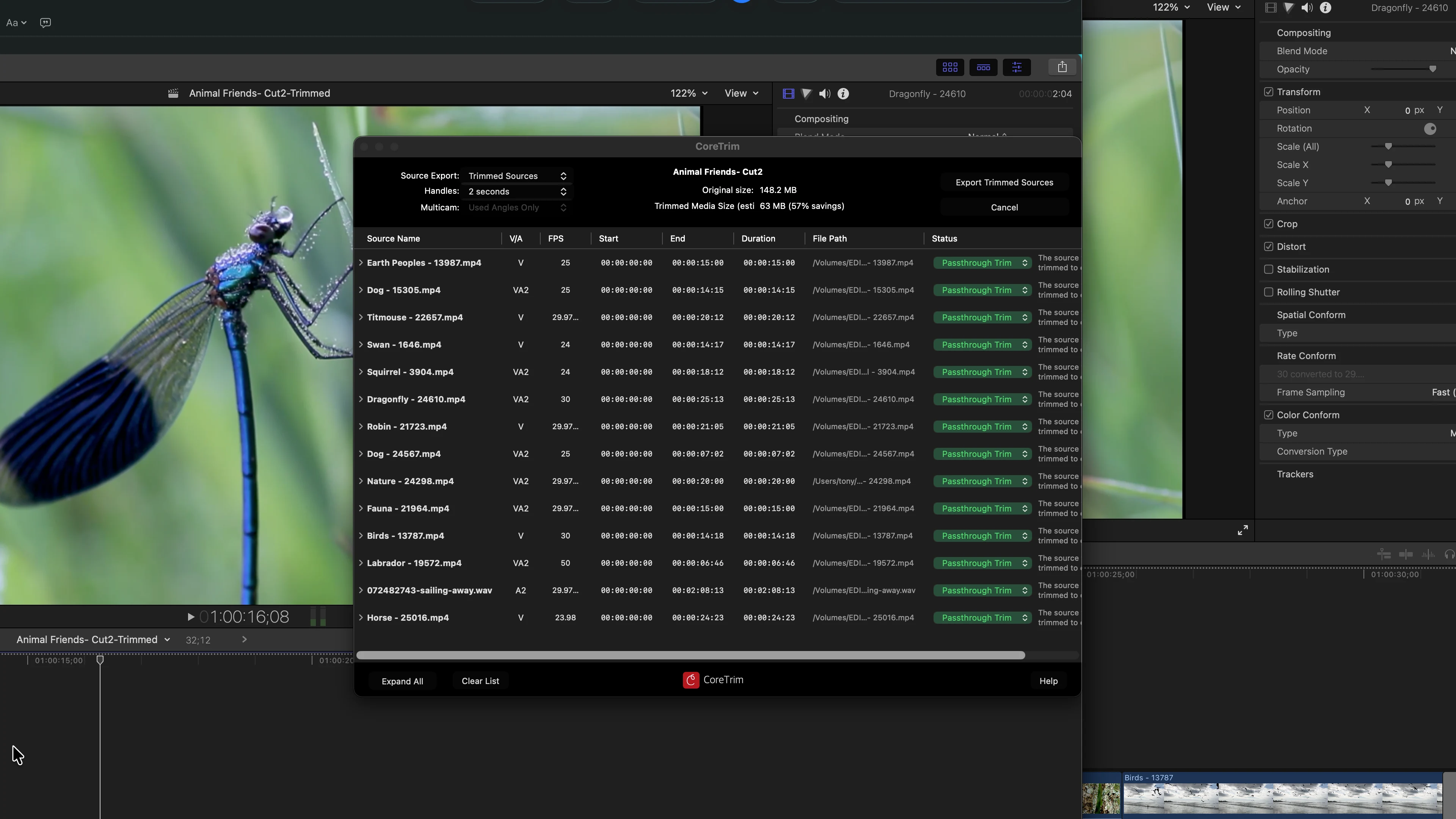
CoreTrim runs inside Final Cut Pro as a workflow extension. It requires Final Cut Pro to be installed on your Mac and is not a standalone desktop app. Drag a project from Final Cut Pro onto CoreTrim; CoreTrim analyzes the media it uses, then creates either trimmed source media or complete source copies with a new project export that links to the exported files. Your original Library, edit, and media stay untouched. The result is one self-contained folder — a much smaller project you can archive or hand off, and that Final Cut Pro rebuilds from the media inside it.

CoreTrim showing a trimmed source export inside Final Cut Pro.

Why it's worth it

One folder. A fraction of the size.

Easy to hand off

One folder to send or shelve.

Every export is a single, self-contained folder — the trimmed media plus a relinked Final Cut Pro project that points only at it, never at your originals. Move it to an archive drive, or send the whole folder to a collaborator: they import the project and the timeline rebuilds from the media inside, with nothing to reconnect.
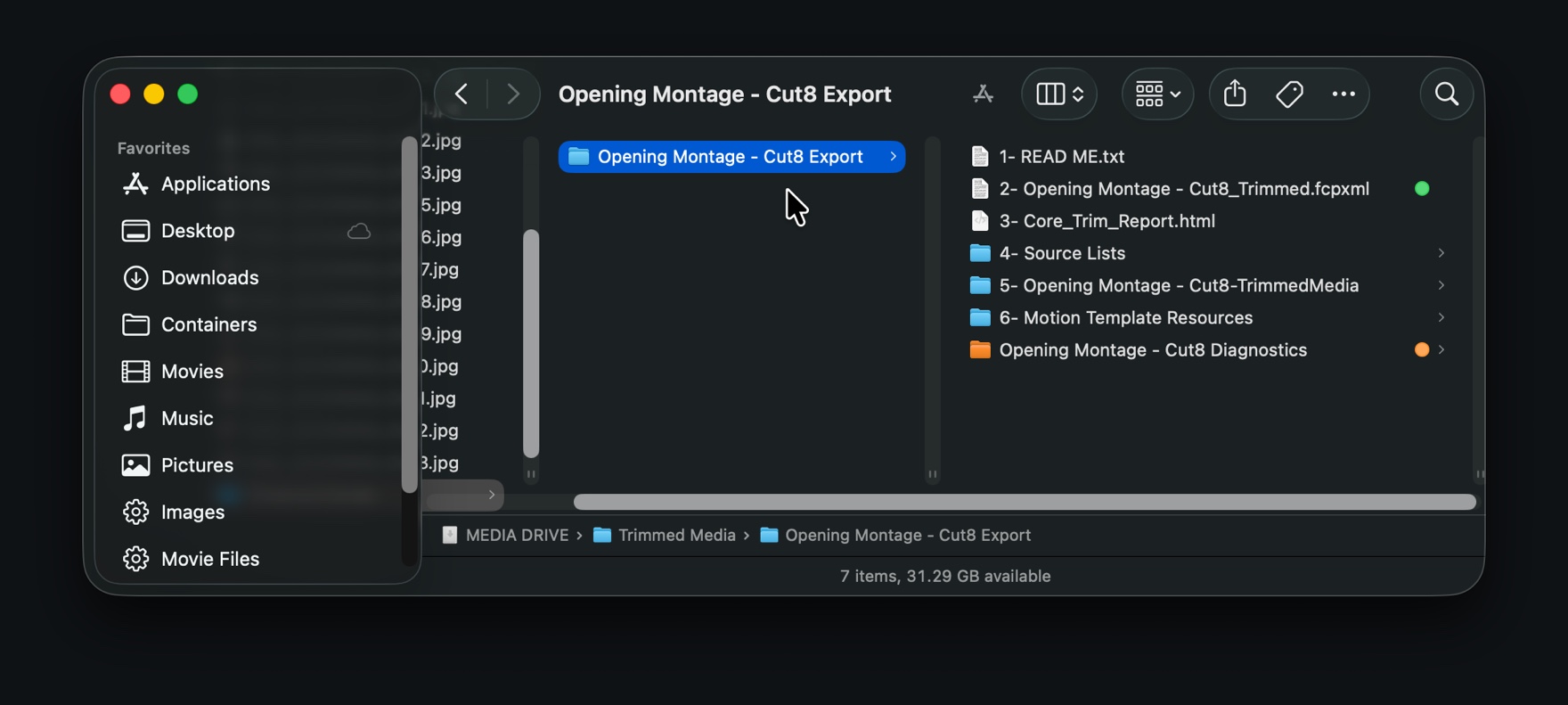

A CoreTrim export folder in the Finder holding its numbered contents.
One export folder, everything inside — click to enlarge
Less to store

Only the footage your cut uses.

CoreTrim exports the parts of each source your timeline actually touches, with the handles you choose. A finished project that filled a drive comes down to a fraction of the size, because the unused footage never travels.

CoreTrim showing Original size 736.8 MB and Trimmed size 179.1 MB — a 75% saving.
736.8 MB down to 179.1 MB in this project — click to enlarge

Source export modes

Trim for storage savings, or copy complete sources for full handoffs.

Storage-saving exports

Trimmed Sources

Export only the portions of source files used by the project, with handles you choose. This is for smaller archives, client handoffs, and finished projects where unused footage does not need to travel.

Complete source copies

Untrimmed Sources

Copy the full original source files used by the project and point the exported project to those new copies. This is for source clones, turnovers, and jobs that need complete media files.

Safeguards

Built around careful, non-destructive media handling.

  1. 01

    Original media stays untouched.

    CoreTrim does not modify, move, rename, rewrite, or delete your original source files.

  2. 02

    Your original edit stays untouched.

    CoreTrim writes a cloned project export for import. It does not change your active Final Cut Pro Library.

  3. 03

    Reports explain what happened.

    Export reports describe copied, trimmed, skipped, or warned sources and include source list detail for reviewing the handoff.