Skimmer FX

• Turn Final Cut Pro projects into clean, sortable media inventories •

• Print or export your media reports to text and CSV formats •

• Runs inside Final Cut Pro with an easy drag‑and‑drop workflow •


Watch SourceReport Work

Download_on_the_Mac_App_Store_Badge_US UK_blk_092917
Browser1_240x180

Drop a library, event, project, clip, or an existing FCPXML file and SourceReport builds an instant media inventory.

Browser6_240x180

Pick the exact event or project you want to analyze. The report updates to match your selection listing displays commonly used media file attributes.

Browser2_240x180

Sort by name, type, timecode, or location to find what you need fast. You can copy any information and locate any media file in Finder.

Browser5_240x180

Export to CSV or text, copy to clipboard, or print a clean report. Share your report in seconds.

Browser1.jpeg

A Workflow Extension

No app switching!

SourceReport runs inside Final Cut Pro as a dedicated workflow extension, so you stay in your edit while building a clear media inventory. Drop a library, event, project, clip, or any existing FCPXML file and your media report appears instantly without switching apps.

Browser3.jpeg

A Flexible User Interface

Pick exactly the project you want to inspect

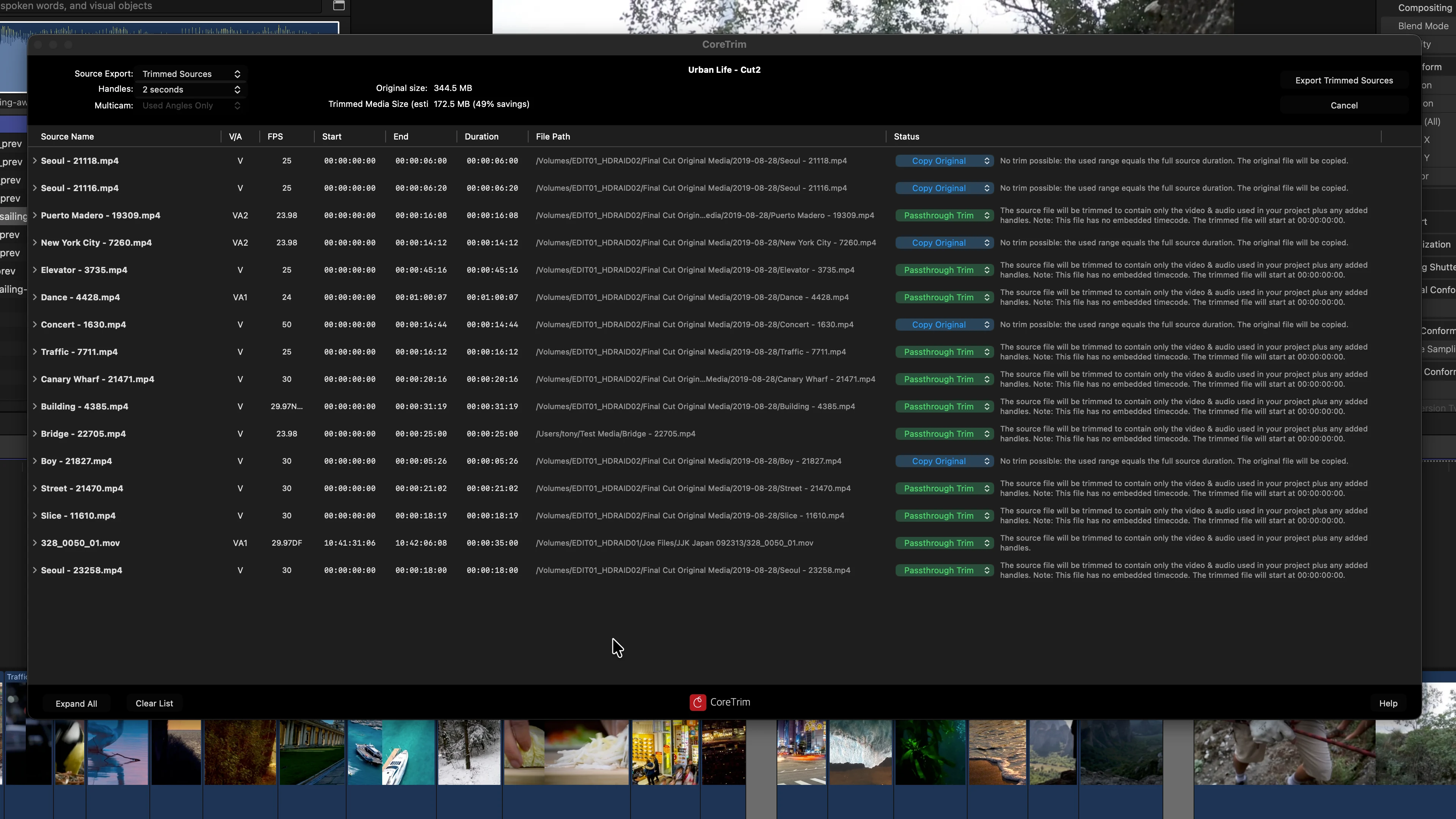
You can choose an entire library or any combination of events and projects to analyze. Then sort the the media they contained in them by name, type, timecode, or file location. The interface is built for quick scanning and easy selection, whether you’re reviewing one project or many.

Browser6.jpeg

A Great Media Management Tool

Know your media

SourceReport captures timecode, media type, file paths, file counts, total size, and source volumes in a clean, exportable format. Share it as CSV or text, copy to the clipboard, or print a report for your team and post workflow.

Stock footage on this site used courtesy of Pixabay https://pixabay.com